RV Tech & Tips
In the Starlink & Remote Work From the Road hub.
Starlink Backup for the RV: What Keeps Us Online When It Drops
Some links below are affiliate or referral links, if you buy through one I may earn a small commission at no extra cost to you. I only recommend gear I actually use, see my full kit on the My RV Setup page. Full disclosure.
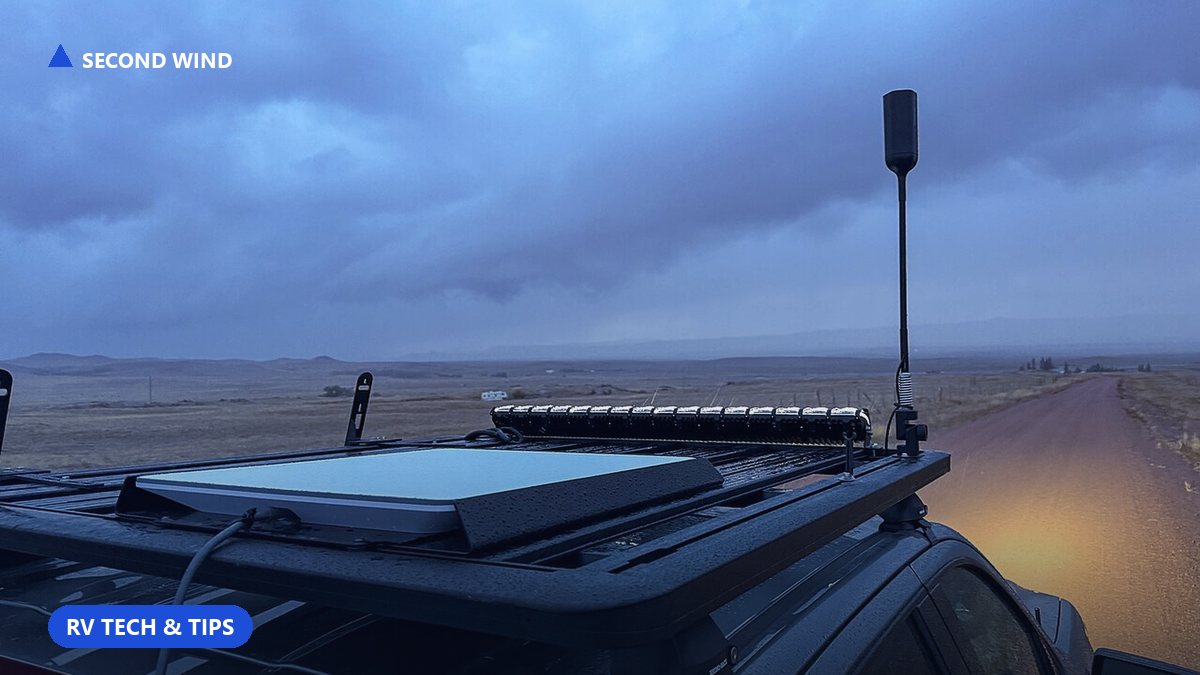
Let me say this up front, because most pieces like this quietly try to talk you out of Starlink. I'm not going to do that. Starlink has been close to flawless for us on the road. It's fast, it's held up in places I didn't expect it to, and it's the reason I can work from the RV at all. If you're deciding whether to get it, get it.
But here's the honest part. No internet source is up 100 percent of the time, and if you work from the road, or you just can't afford to miss a call, you need a plan for the rare moment it blinks out. This isn't a list of Starlink replacements. It's the simple, cheap backup setup I actually run, and it has saved me more than once.
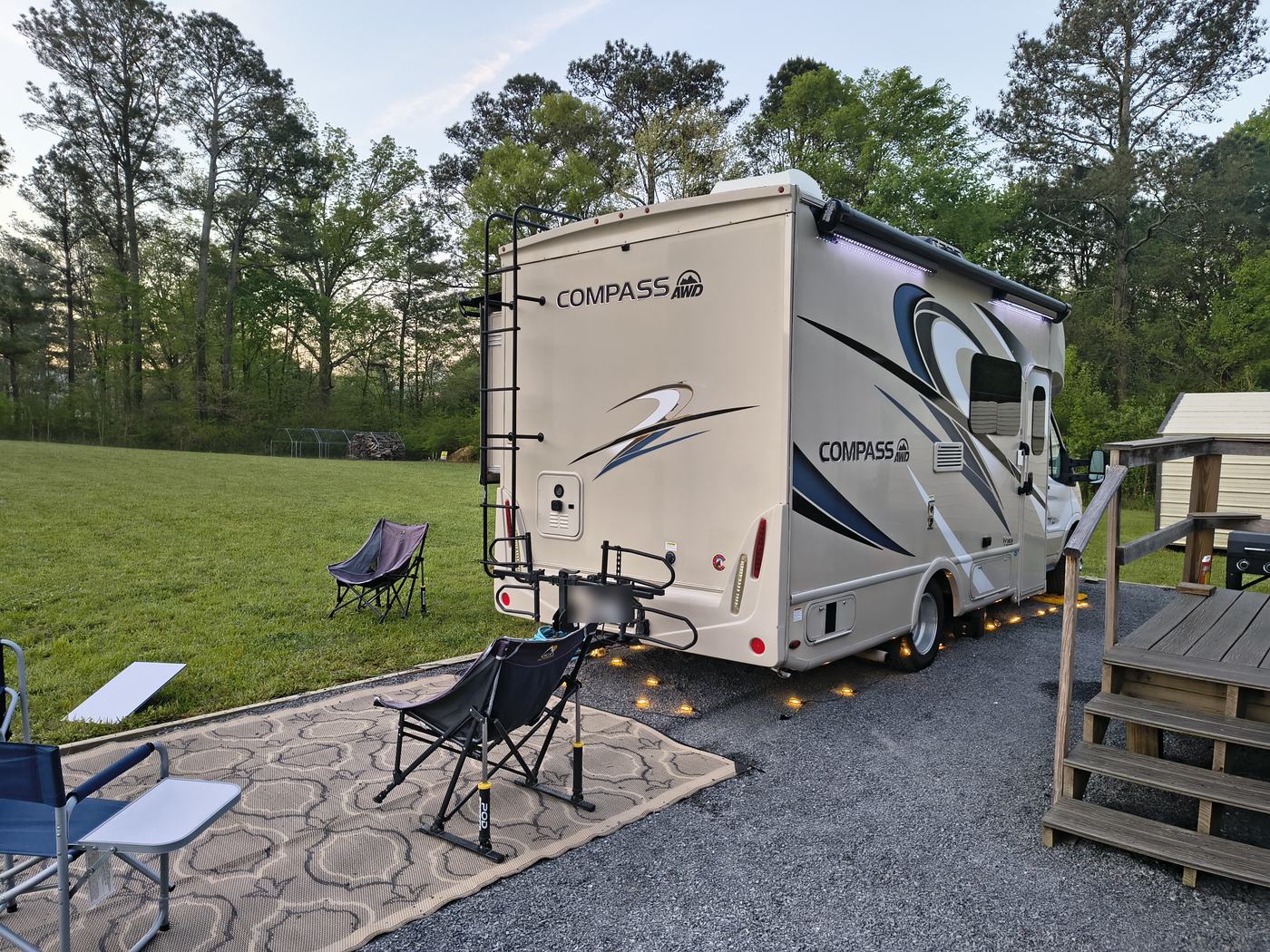
The one time Starlink drops for us
In months of use, the only thing that reliably knocks our Starlink offline is a power surge. When a big load kicks on, like the RV air conditioner compressor cycling, the voltage jumps, and Starlink responds by doing a full reboot instead of riding through it. When that happens it's down for about five minutes while it reboots and reconnects. Five minutes doesn't sound like much until you're in the middle of a video call.
I wrote up the whole surge problem, and the wattage math behind it, in Your AC Will Kill Your Starlink. The short version is that it's not a Starlink flaw, it's a power flaw, and the fix is on the power side.
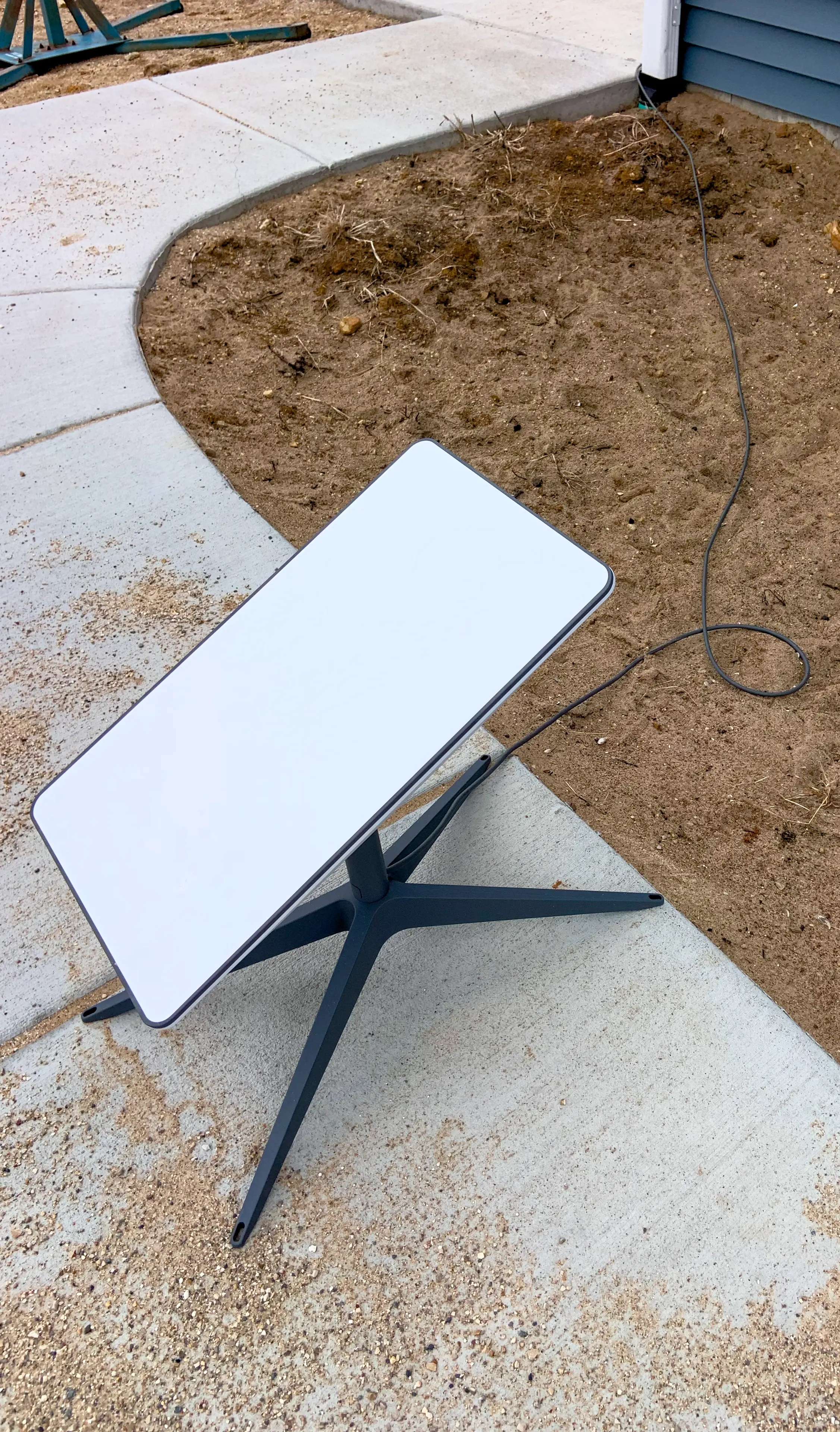
Fix number one: stop the drop before it happens
The best backup is not needing one. So the first thing I did was stop running Starlink straight off the raw RV power. Instead I plug Starlink into my EcoFlow power station. The battery sits between the surge and the dish and smooths the whole thing out, so when the AC kicks on, Starlink doesn't notice it. Since I started doing that, the surge reboots mostly stopped. That one change fixed the most common reason we ever lost internet. The full power setup, batteries and all, is on my My RV Setup page and in how I run off-grid without shore power.
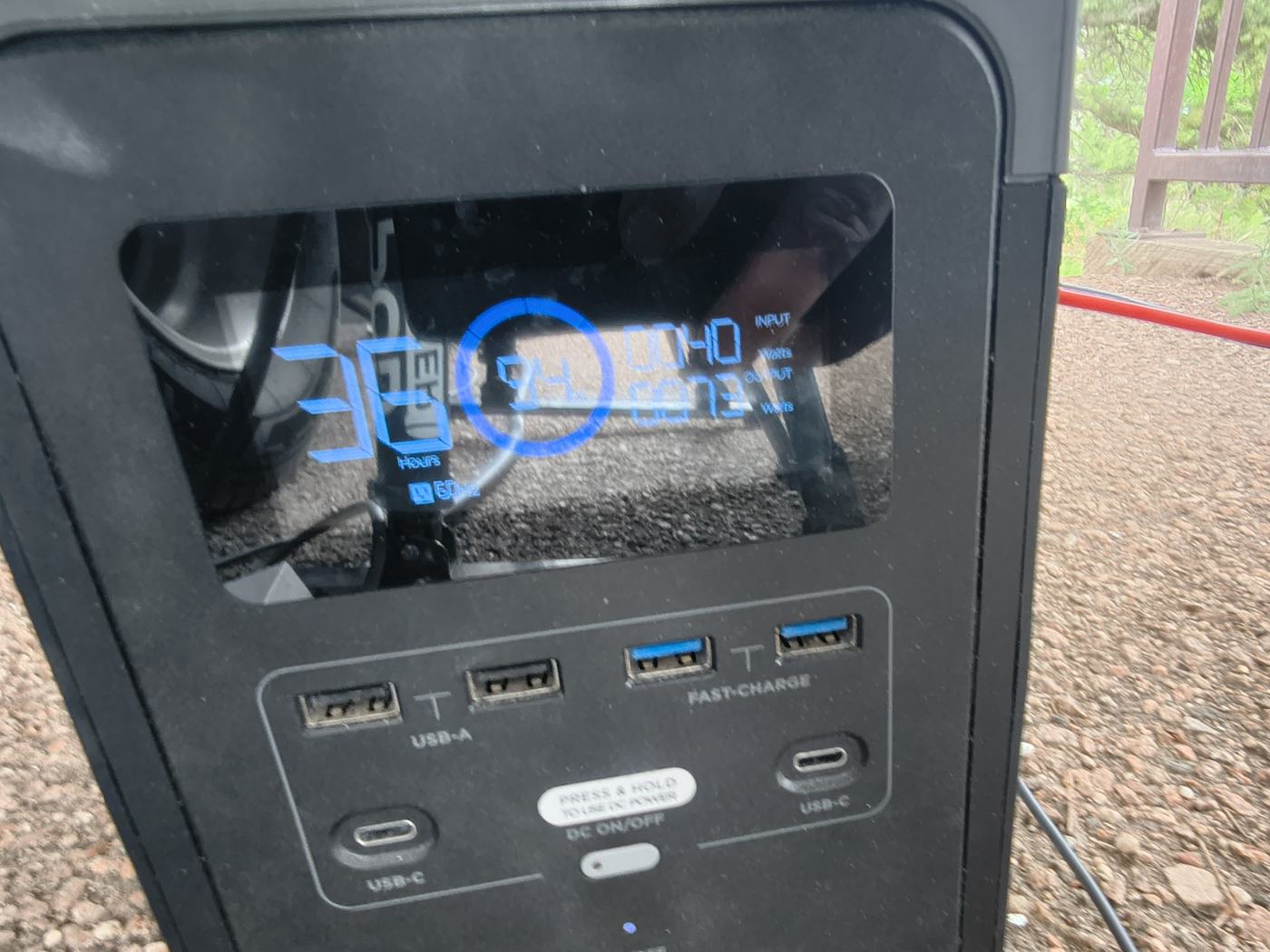
Most of the 2026 roundups on this topic sell something different: a small UPS sized to ride through a brief flicker, minutes of runtime, not hours. That's a fine answer if your problem is a quick drop. Mine isn't. What actually knocks us offline is the AC compressor surge, not a long outage, so a power station that buffers the surge does more for me than a UPS built for a few minutes of backup. Starlink sells its own DC-to-DC power supply on some kits for this same job, and a few 2026 RV guides round up surge protector and UPS picks for the dish (checked Oct 2 2026). I haven't installed the DC supply and I don't run a separate UPS. The EcoFlow is already doing that job for me. If you want the fuller case for and against adding one, I laid it out in does Starlink need a UPS or battery backup.
Fix number two: a cheap cellular backup for when it does drop
Even with the surge handled, I still keep a backup, because things happen: obstructions, a bad spot at a campground, weather. Our backup is a plain AT&T mobile hotspot. I believe ours runs around fifty dollars a month for about fifty gigs, which is plenty for a work emergency and cheap insurance for the peace of mind. Check the current AT&T plans before you buy, the data and prices shift around.
You don't need anything fancy here. A basic hotspot on whatever carrier has the best coverage where you travel is the whole trick. For us that's AT&T. For you it might be Verizon or T-Mobile, it's worth checking which one actually works in the places you go.
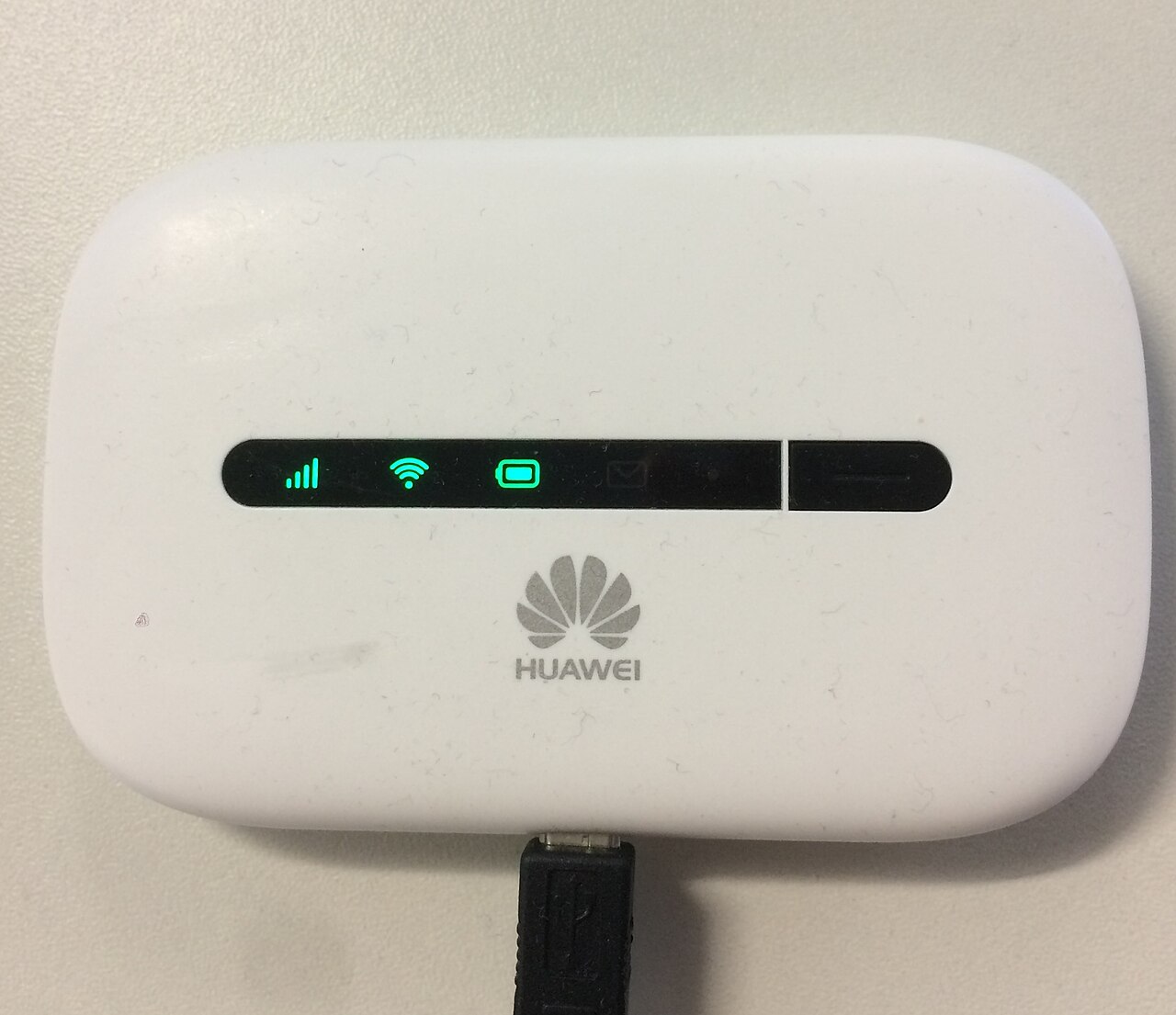
- Dish stays powered through the EcoFlow
- Hotspot turned on once so each device remembers it
- Starlink stays the primary
What happens on your devices when it switches
Here's the piece nobody tells you, and it's the best part. When Starlink drops, you don't have to scramble. Your devices switch to whatever Wi-Fi is available on their own. If your laptop or phone loses the Starlink network and the hotspot's network is one it already knows, it hops over automatically, usually in a few seconds. When our Starlink went down mid-workday, my wife's computer quietly moved onto the AT&T hotspot and she barely broke stride.
The one setup step that makes this work: turn the hotspot on once and connect each of your devices to it so they remember it. After that, it's an automatic safety net. Give it a moment, and you're back online without touching a thing.
Do you actually need a Starlink backup?
Honest answer: if you're just camping and checking email, probably not. Starlink alone is plenty. But if you work from the road, run video calls, or simply hate the feeling of being cut off, a fifty-dollar-a-month hotspot is the cheapest peace of mind you'll buy for the rig. I don't think of it as a Starlink alternative. I think of it as a spare tire. You hope you never need it, and you're very glad it's there the day you do.
What about "real" Starlink alternatives?
People ask what could replace Starlink entirely for an RV, and the honest answer today is: nothing quite does. Cellular hotspots are the realistic second connection, not a full replacement, because coverage drops off exactly where the good boondocking is. Other satellite options aren't there yet on speed or price. So the smart move isn't to replace Starlink, it's to run Starlink as your primary, fix the power side so it stops rebooting, and keep a cheap cellular hotspot in your back pocket. That combination has kept us online through everything the road has thrown at us.
Still figuring plenty out, but the internet part I've got solid now, and it's a simpler setup than I expected when I started.
Shop the gear in this article
- Starlink: check current Starlink RV/residential plans and pricing
- Surge buffer for the dish: EcoFlow power station (referral discount on the lineup I run)
- Cellular failover: AT&T prepaid hotspot, month-to-month, the spare tire
- Not something I own, but worth knowing about: a pure sine UPS, if you want a few minutes of ride-through instead of a full power station
Full kit, with the same links: My RV Setup. More notes on this gear go out on my Substack: dominicferrara.substack.com.
Related watch
A helpful video on this topic from the wider RV / AI community.
Video: Best RV internet 2026: cellular vs Starlink, embedded from YouTube.