My Real RV Work Setup: Starlink, AT&T Backup, and 5,600Wh of Lithium
These are affiliate/referral links, buy through one and I may earn a small commission or service credit at no extra cost to you. This is the actual gear in my rig; I don't list anything I don't run. Full disclosure.
I run a full-time job from an RV. Video calls, real deadlines, parked in spots with no cell tower and no power hookup. People ask how that's possible, so here's the actual setup, the real gear, the real numbers, and the mistake that taught me most of it. No sponsors, just what I run every day.
Short version: internet through two independent connections, power through close to 5,600 watt-hours of lithium, and a surge lesson that nearly cost me a meeting. Here's how it actually fits together, and why I built it in this order.
The rig
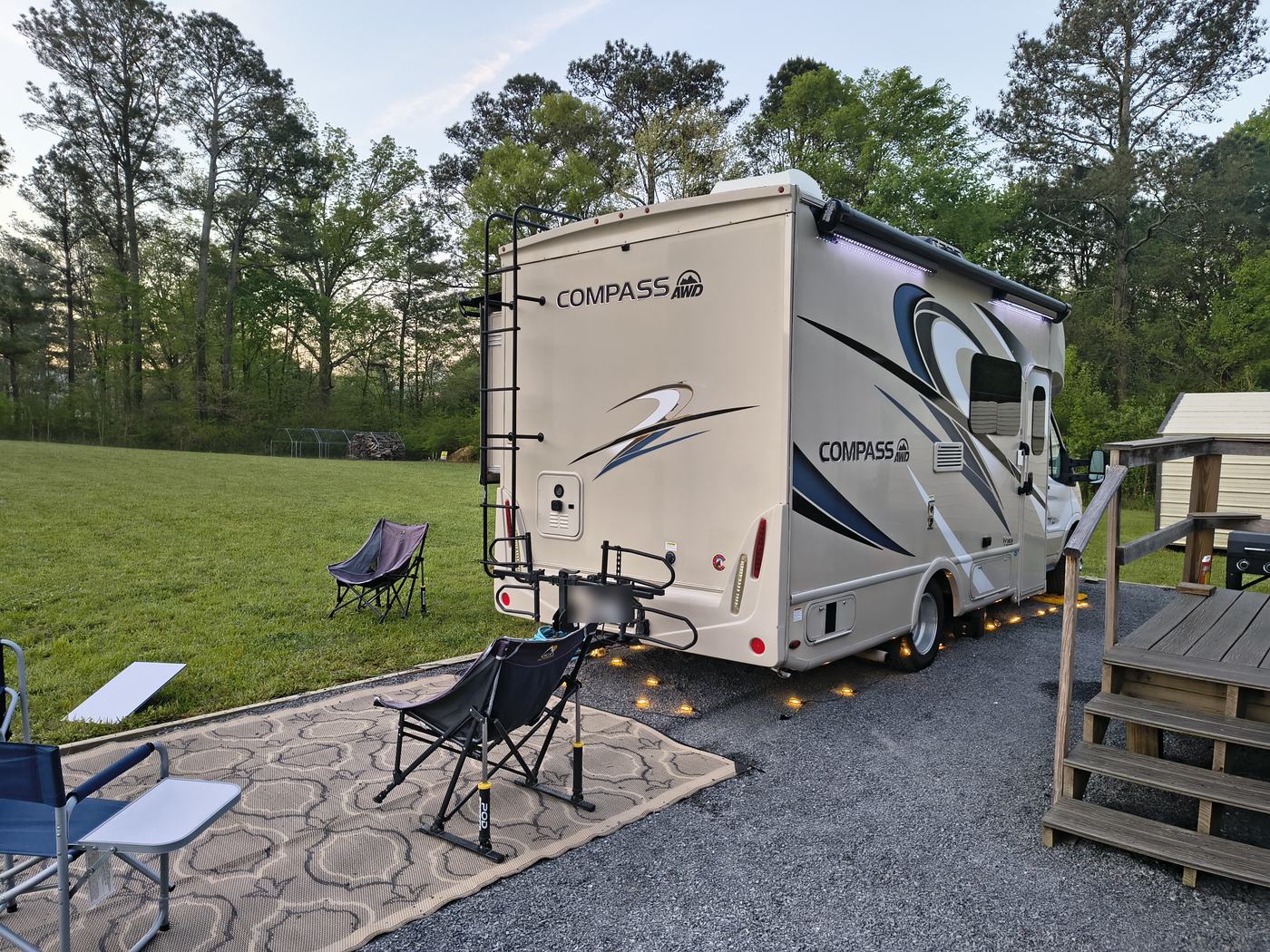
Home base is a 2020 Thor Compass 23TW, built on a Ford Transit chassis. About twenty-three feet bumper to bumper. Small enough that I can park it almost anywhere without needing a spotter, big enough that two people can actually be on calls in it at the same time without stepping on each other's audio. That size is the whole tradeoff. Anything bigger and I'd be turning away from half the spots I actually want to park in.
Internet, in two layers
Internet is everything when your paycheck depends on it, so it never rides on a single connection.
Layer one is Starlink. With a clear view of sky it's faster and steadier than any cell signal I've used, steady enough for back-to-back Teams calls all day without freezing mid-sentence. It pulls roughly 50 to 75 watts, so it runs off my batteries the whole time, not off shore power.
Layer two is a month-to-month AT&T hotspot. Slower, but it's always on, even while I'm driving between sites. My laptop and phone are already joined to that hotspot's Wi-Fi, so if the Starlink network disappears, everything hops over on its own. I'm not stopping a call to change networks by hand.
Cellular isn't a true replacement for Starlink, to be clear. Coverage gets thin exactly where the good boondocking spots are, being past the last cell tower is usually the whole point of the spot. It's a realistic second connection, not a backup that covers every situation.
Thirty years in enterprise IT taught me one rule that never stopped applying once I started working from a parking spot instead of an office: anything your paycheck depends on needs a backup. I go through the full stack, plans included, in my Starlink backup setup.
The mistake that cost me a call
Here's the one that actually cost me a meeting.
When the generator kicked on, or the rooftop air conditioner's compressor cycled, the power surge would reboot my Starlink dish mid-call. Not a glitch, a full reboot. The app goes to Searching, and you're looking at about ten minutes before it finds satellites again and you're back online.
It took me a while to actually understand the cause instead of just working around it. My desk setup, laptop, monitor, the dish, draws maybe 90 to 110 watts total, nothing dramatic. But the rooftop A/C running is more like 1,200 to 1,500 watts, and the compressor's inrush current when it kicks on is three to five times that for a fraction of a second, something like 3,000 to 4,500 watts for an instant. That spike, or the voltage dip a generator produces trying to cover it, is enough to make Starlink's electronics cold-reboot. The same thing happens in reverse when the compressor cycles off and the load drops suddenly. Coffee maker, hair dryer, microwave, same story on a smaller scale.
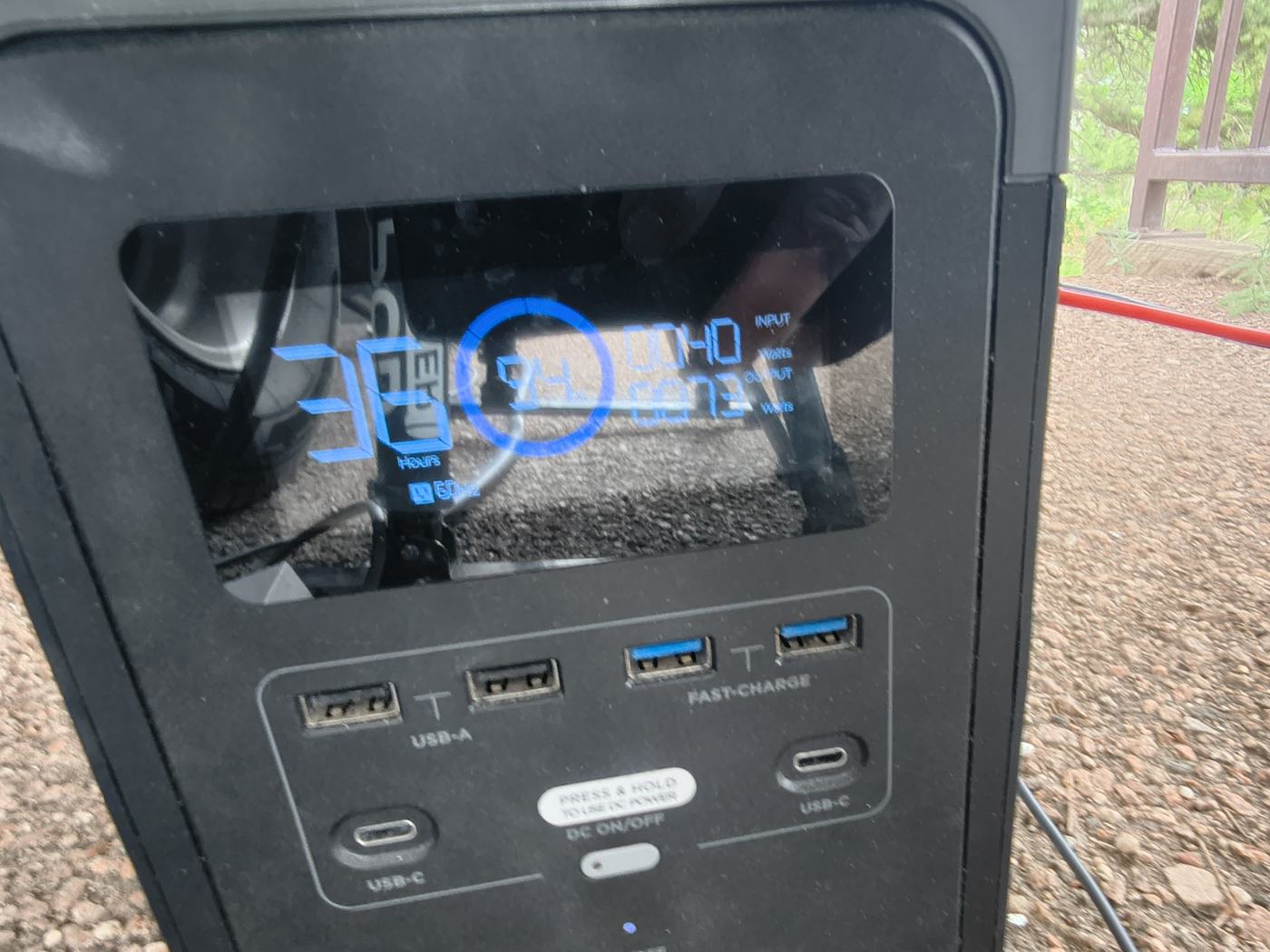
The fix is simple once you actually see the problem: don't plug the dish straight into RV power. I run it, along with the laptop and monitor, through an EcoFlow power station sitting between the generator and my desk, working as a battery buffer, basically a UPS. When a surge hits, it hits the battery, not my gear. The switchover happens in a few thousandths of a second, fast enough that Starlink never notices anything happened. The A/C can cycle all afternoon now and my call doesn't blink.
I looked at compressor soft-start kits and a couple of small consumer UPS units before landing on this. The battery buffer won on cost, and it does double duty since it's also just a spare battery I can grab for anything else. It's quieter too, no generator hum bleeding into calls the way it used to.
The full wattage math and the different failure modes are in Your AC Will Kill Your Starlink.
Power by the numbers
The house bank is two Battle Born 100Ah LiFePO4 batteries, wired together, about 2,560 watt-hours combined. Lithium means I can actually use nearly all of that. An old lead-acid bank the same size would only give me about half before you're supposed to stop discharging it.
On top of the house bank, I run a Pecron F3000LFP power station, a portable 3,072 watt-hour unit. It's a separate, moveable bank I use specifically for laptops and the router, and I recharge it either from the house batteries through a proper DC-to-DC charger or off the generator. Keeping it separate from the house bank matters more than the extra capacity does. If one bank has a problem, and something eventually will, I'm not dead in the water, I'm just down to half my power for a day instead of out entirely.
Add the two together and it's around 5,600 watt-hours of lithium total. That gets me roughly two and a half to three days of real work, video calls, monitor, router, lights, the fridge, before anything needs to recharge.
The one thing lithium alone can't fix is the air conditioner. Running the rooftop A/C off batteries only is maybe three to four hours before the bank is done, and no lithium setup I'd actually want to carry runs A/C through a whole hot afternoon. That's what the onboard generator is for. It's my real hookup replacement, not a backup plan. An hour of it running cools the rig back down and fast-charges both banks at the same time, then it goes quiet again.
The full breakdown, wiring included, is in off-grid RV power with no shore hookup.
Solar honesty
The hundred watts of rooftop solar I run is a trickle, not a refill. On a good day it's maybe 400 to 500 watt-hours, that's it. It's useful, it keeps the batteries topped off between drives and cuts down how often the generator needs to run. But it will not refill a 5,600 watt-hour system on its own. To actually do that you'd need well over a thousand watts of panels, which isn't realistic on a twenty-three foot roof that already has an A/C unit and vents on it.
I've considered adding a 200 to 400 watt folding panel for long stationary stays, mostly to run the generator less, not because the math changes. It's a nicety, not something I need. I'd rather tell you the honest ceiling on rooftop solar than sell you a panel that won't do what you're hoping it will.
The failure plan
No magic in any of this. It's backups on backups, built in a specific order because the order matters.
Internet first, because a dropped call in the middle of a deadline is the failure that actually costs money. Then power, because none of that internet gear runs on hope. Then, last, a plan for the day each one fails anyway, because eventually it will. Starlink drops, the hotspot carries the call. The batteries run low, the generator picks up the A/C and the charging. The sky clouds over and solar isn't contributing anything that afternoon, the batteries and the generator don't care either way.
If you're building this out for your own rig, build it in that order. Get the internet redundancy solid first, then size the power to match what you actually run, then sit down and think through what you do the day the primary path fails. That last step is the one most setups skip.
Shop the gear I actually run
- Starlink, the primary connection. (Referral link, we each get a free month, not a paid commission.)
- EcoFlow power station, the UPS that keeps surges away from Starlink.
- Battle Born 100Ah LiFePO4 batteries, the house bank.
- Pecron F3000LFP, the portable bank for laptops and router.
- AT&T prepaid hotspot, layer two internet, the spare tire that catches every drop.
- RV surge protector, 50 amp, cheap insurance against bad shore power and generator spikes.
I write about the road and the setup most weeks in Second Wind, my newsletter on Substack.
Build order: internet first, then power, then a plan for the day each one fails. I'm Dominic. See you down the road.