Working From the Road · No. 5
In the Starlink & Remote Work From the Road hub.
Two People, Two RVs: A Remote-Work Setup
Some links below are affiliate or referral links, if you buy through one I may earn a small commission at no extra cost to you. I only recommend gear I actually use, see my full kit on the My RV Setup page. Full disclosure.
Here is the decision, before anything else: if both people on your crew are taking live calls all day, budget for two separate RVs from day one. If only one of you is on calls, one RV is plenty and you can stop reading here. We tried the two cheaper fixes before we gave up on them, one person working outside at a picnic table, and staggering our schedules so calls did not overlap. Neither held up once a live legal proceeding was running on someone else's clock, not ours.
When my wife and I first talked about working remotely from an RV, the assumption was we would share one rig. One RV, one space, both of us working. That lasted about a day before we realized it was not going to work.
She is a court reporter. I am a technology leader. Both of us are on calls all day, her on live legal proceedings, me on Teams and Zoom meetings. You cannot have two people on separate conference calls in a 200-square-foot space. The audio bleeds, the background noise is unprofessional, and neither person can focus.
So we set up two RVs. And honestly, it is the best decision we made for this whole arrangement.
The Layout
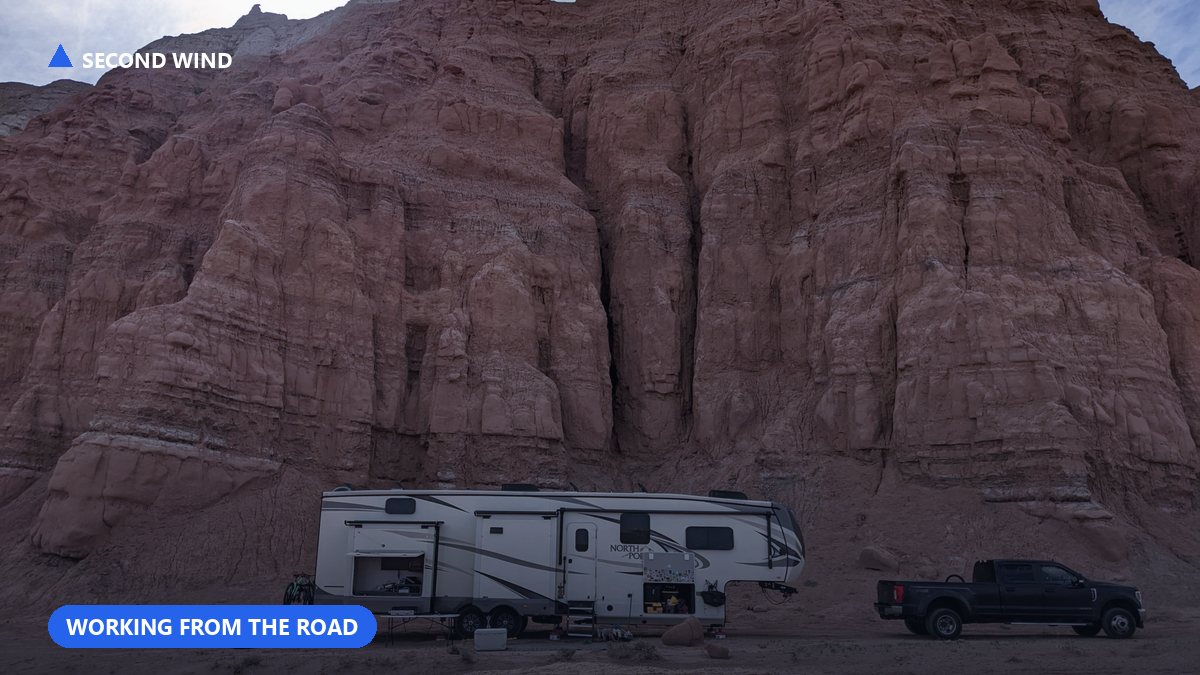
We are on a gravel pad on family property. About 2.5 acres of grass around us. The two RVs are parked about 10 feet apart:
- Thor Compass 23TW, my wife's workspace and our living quarters. This is where we sleep, cook, and she works during the day.
- Travel trailer, my dedicated office. I work here all day, separate from the living space.
Both share one Starlink dish that covers the whole camp. Both have their own generator. Both run independently. Starlink's own roam/RV service page is a reasonable starting point if you are pricing this out for the first time.
Why Two RVs Actually Work
Audio Isolation
This is the main reason. My wife's court reporting work is live legal proceedings. She cannot have background noise. She cannot have my voice bleeding through from a Teams call. And I cannot be on a call with my leadership team while someone is transcribing testimony 8 feet away.
With two RVs, the walls do the work. I can be on a video call in my office and she can be on a live proceeding in hers. Neither of us hears the other. Problem solved.
Professional Separation
There is something about walking to a separate space for work that changes your mindset. When I step into the travel trailer in the morning, I am at work. When I step out in the evening, I am home. In one RV, work and life blur together in a way that gets exhausting fast.
Noise Management with Generators
The Thor Compass has a built-in Onan 4000W generator. It is right there, you can hear it, but it is manageable for calls. The Westinghouse 4500W is portable, so I can place it far enough from the travel trailer that I can barely hear it during my conference calls.
If both generators are running at the same time next to the same RV, it would be too loud for professional calls. Having them separated, one built-in, one placed at a distance, keeps the noise manageable for both of us.
The One-Generator Mistake
The week we first set up on this pad in April 2026, I tried to save fuel by running both RVs off the Westinghouse 4500W. Both need 30-amp connections. They make a splitter for that, but I could not find one locally.
Even if I had found the splitter, it would not have worked. Two RV air conditioners pulling from one 4500W generator was too much. The generator kept tripping on overload. The math just does not support it, each AC unit needs 1,200-1,500 watts running, plus a 3,000-4,500 watt inrush spike when the compressor starts. Two of those on one generator is asking for trouble. I ran the full numbers on this in generator math for full-time boondocking if you want the fuel cost side of it too.
We ended up running each RV on its own generator. More fuel, but zero overload problems. Sometimes the simple solution is the right one.
Here is the tradeoff that actually decided it, not the fuel bill. If the only cost of running one generator was a few extra gallons of gas, I would have kept pushing on a splitter. But the real cost of a tripped generator is a dropped deposition or a frozen leadership call, and that is not something you can refund. Once the cost of failure outranks the cost of fuel, the math stops being about watts.
Sharing One Starlink
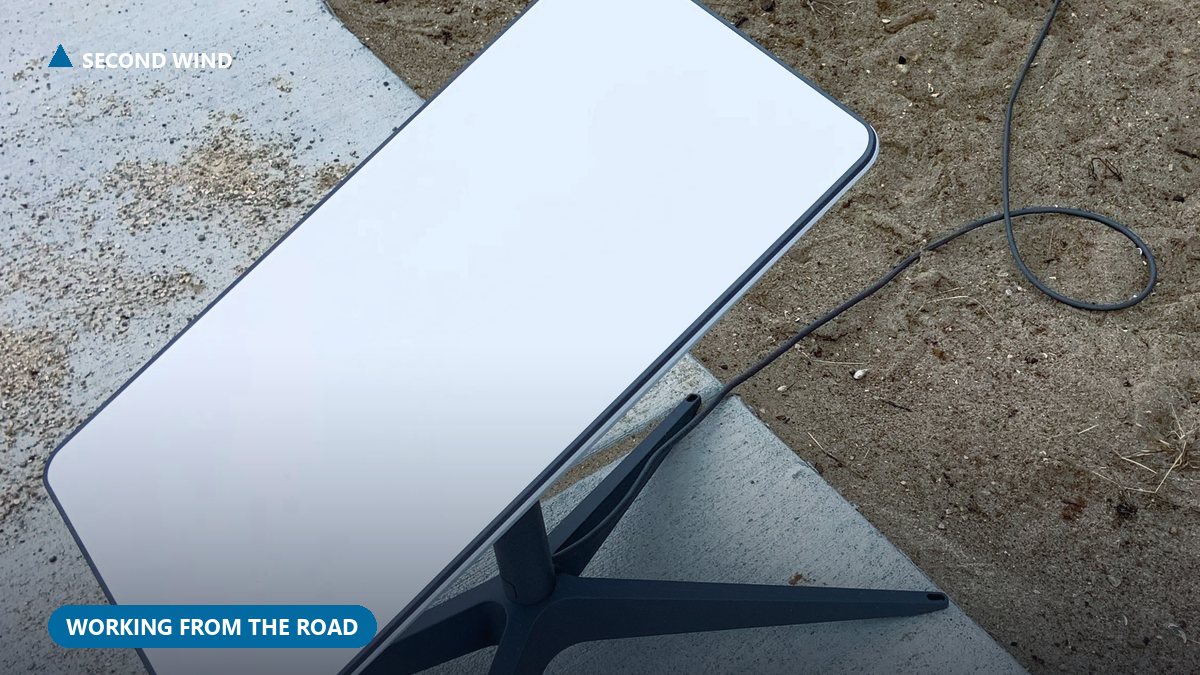
Both RVs share a single Starlink dish sitting on the ground between them. At 10 feet apart, the WiFi signal covers both spaces without issue. We get about 250 Mbps down and 50 Mbps up.
My wife runs live court reporting, audio and video streaming, sustained, no interruptions allowed. I run AI coding agents, video calls, and stream TV in the evenings. All of that simultaneously on one Starlink dish. No buffering. No dropped connections. If you are weighing whether you even need a battery backup for the dish itself, I covered that separately in Starlink backup for an RV.
If you told me a year ago that one satellite dish in a field could support two working remote professionals plus entertainment streaming at the same time, I would not have believed it. But here we are.
The Division of Labor
When you are running a two-RV camp, there is a lot of non-work work to do. My wife and I split it up based on what makes sense:
- Me: Generators (fueling, maintenance, starting), water (filling, dumping), power management (EcoFlow charging, Starlink), fuel runs into town
- My wife: Interior organization, cooking, cleaning, managing the living space
An RV is a small space. You are constantly shuffling things around, reorganizing, trying to remember where you put your keys. And you have keys for everything, the RV, the truck, the generator compartment, storage bays. I lose my keys at least once a day because nothing has a permanent spot yet. The more you can assign a place for every item, the better. I am still working on that. There is a whole other layer to this that has nothing to do with gear, covered in Mice, Mud, and Meetings.
Would One RV Work?
For one person working remotely? Absolutely. One RV with Starlink and an EcoFlow battery is a solid remote office.
For two people both working with live calls? No. Not unless one of you has a job that requires no audio, pure typing, no meetings, no calls. The moment both of you are talking at the same time, you need separate spaces.
If you cannot get a second RV, the backup options are: one person works in the RV while the other works outside (weather permitting), or you stagger your schedules so calls do not overlap. Both of those are compromises, and both are what we tried first. Two separate spaces is the real solution.
The Cost of Two
Running two RVs means two generators, twice the fuel, twice the maintenance. As of this update in October 2026, six months into living on this pad, our weekly fuel bill has run $200-315 since we set up in April, without AC, and it climbed past $440 once summer heat had both air conditioners running full time. That is the price of professional-grade remote work from a boondocking camp.
But compare that to renting two office spaces, or one of us commuting to a coworking space, or the cost of not being able to work at all because the audio situation is unmanageable. Two RVs is the cheapest solution that actually works.
If you are trying to decide which setup you need, ask one question first: will both people be on live audio, every workday, at the same time? If the answer is yes, price out a second rig before you commit to the trip. If the answer is no, one RV with a good headset for each person and a scheduling rule will get you through.
Setting Up a Two-RV Camp: The Checklist
If you are actually building this out, here is the order we would do it in again:
- Confirm the real constraint first: are both people on live audio calls at the same time, every workday? That single answer decides one RV or two.
- Park the two rigs close enough for one Starlink dish to cover both, but far enough apart that neither generator is audible through the other person's walls on a call.
- Give each RV its own generator sized for its own AC load. Do not try to run two RV air conditioners off one generator, the inrush math does not work.
- Put the shared Starlink dish on the ground between the two rigs, not mounted to either one, so losing power on one RV does not take down the other person's internet.
- Budget fuel for two generators, not one. It costs more than a single-generator camp, but it is cheaper than a blown call or a missed deposition.
- Split the non-work chores (fueling, water, power management, interior upkeep) by what each person is already good at, and assign a permanent spot for shared keys and tools before you need them in a hurry.
- Label every key, breaker, and valve in the first week, not three months in. We did not, and it cost us a few minutes of hunting almost every day until we finally did.
Six Months Later
We moved onto this pad in April 2026. By this update in October, we had run both generators through a full spring and a full summer, and the answer has not changed: two RVs for two people on live calls, every time. The separate generators, the one shared dish sitting on the ground between the rigs, and the chore split all held up for six straight months of actual use, not just the first week when everything still feels new. The one thing we would do differently starting over is the key and breaker labeling above. Everything else we would set up the same way again.
Coming Next
- Mice, Mud, and Meetings, the unautomatable side of remote work
- Running AI Agents Over Satellite Internet, what actually works on constrained bandwidth
This article is part of the Working From the Road series on what it actually takes to work from an RV when the road calls.
Dominic Ferrara is a technology leader who works from his RV when the road calls. He writes about remote work, AI tools, and off-grid life at dominicferrara.com.
Shop: two-desk RV office
Lived picks when two people need quiet video calls from the same pad. These are affiliate links; if you buy through them we may earn a small commission at no extra cost to you.
- USB noise-cancelling headset
- USB-C multiport hub
- Adjustable laptop stand
- Westinghouse 4500W inverter generator
Shared power without fighting outlets: EcoFlow referral
Related watch
A helpful video on this topic from the wider RV / AI community.
Video: Creating two RV workspaces without the dining table, embedded from YouTube.