Working From the Road · No. 2
Why Your RV AC Keeps Rebooting Your Starlink
Some links below are affiliate or referral links, if you buy through one I may earn a small commission at no extra cost to you. I only recommend gear I actually use, see my full kit on the My RV Setup page. Full disclosure.
If you are working remotely from an RV on generator power and your Starlink keeps rebooting, it is not Starlink's fault. It is your air conditioner. Every AC compressor cycle creates a power surge that knocks the dish offline for 2-5 minutes. The fix: a portable battery station between your generator and your work equipment, around $400. Here is the cause, the math, and the setup that solved it.
The Symptom
You are on a Zoom call. The generator hums outside. Then the AC compressor kicks on: screen freezes, call drops, the Starlink app shows "Searching..." for two to four minutes while the dish reboots and reacquires satellites. You rejoin and apologize. Fifteen minutes later the compressor cycles off, same thing. Fifteen minutes after that it cycles back on, same thing again.
If that sounds familiar, the problem is not your internet connection.
The Cause: Compressor Inrush Current
An RV air conditioner's compressor is the same type of motor as your refrigerator's, just bigger. On startup it draws a burst of electricity called inrush current, 3-5 times normal running wattage, for a fraction of a second. On shore power (a campground pedestal tied to the grid), the grid absorbs that spike and you never notice. On a generator, even a good inverter model, the finite power output means the demand momentarily dips or surges the voltage and frequency before recovering in under a second. Most appliances do not notice.
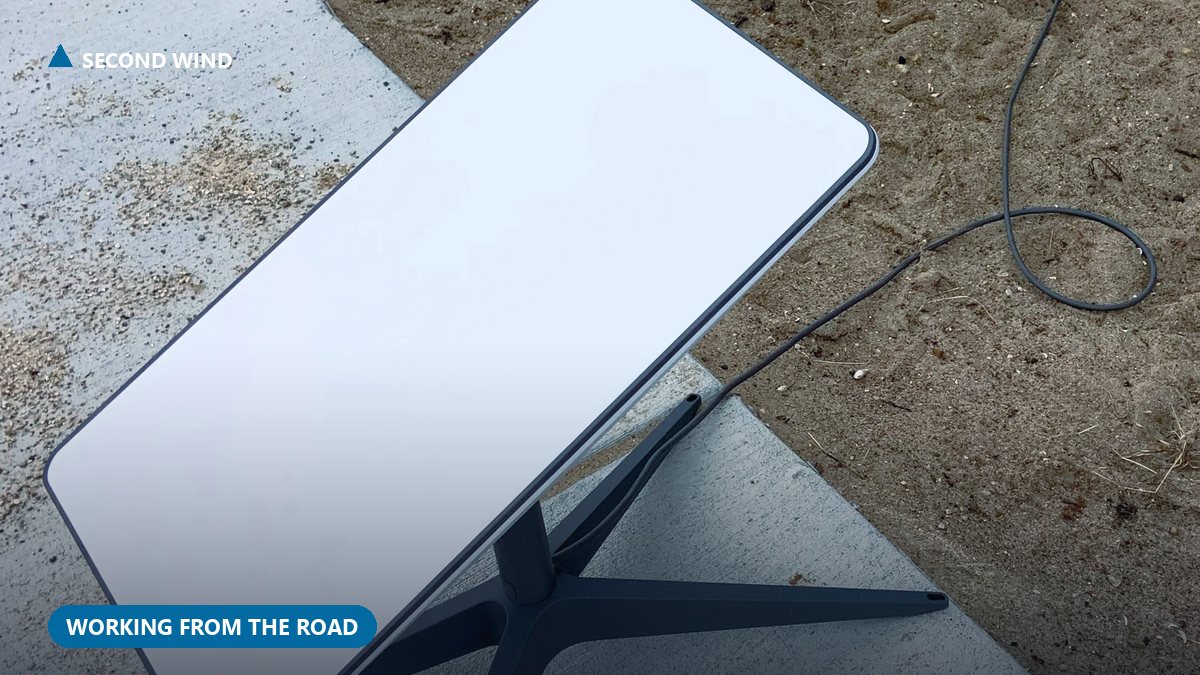
Starlink notices. The dish is a computer with an antenna, running firmware and maintaining an active session. A brief voltage fluctuation shuts it down and restarts it from cold. Starlink's own support documentation puts the standard kit's normal draw in roughly the range I measured, a small steady load through its included AC supply with no battery buffer built in, which is exactly why a brief dip is enough to interrupt it (see Starlink's official power guide). The same thing happens in reverse when the compressor cycles off: the sudden drop in load spikes the generator's output. Another reboot, every cycle, all day.
Why This Matters for Remote Workers
A 3-minute outage is an inconvenience if you're camping, a liability if you're working: video calls drop, VPNs need re-authentication, file uploads fail mid-transfer, AI terminal sessions (Claude Code, SSH) time out. My wife and I both work remotely from our boondocking camp, she is on back-to-back calls, I am running AI coding workflows and Teams meetings. A 3-minute reboot is a work stoppage that hits two people at once, and in Tennessee heat the AC can cycle every 10-15 minutes.
The Numbers: What Actually Draws Power
Field measurements from my own setup, not manufacturer specs:
| Device / State | Power Draw |
|---|---|
| Starlink + laptop + monitor (full workstation) | ~90-110W |
| AC running (compressor on) | ~1,200-1,500W |
| AC fan only (compressor off) | ~150-200W |
| AC inrush spike (compressor startup) | ~3,000-4,500W for <1 second |
The entire remote office runs under 110 watts, you could power it off a car battery. The inrush spike is the killer: for a fraction of a second the AC demands 3,000-4,500 watts from a generator rated 4,000-4,500 watts. It strains, voltage fluctuates, everything downstream feels it. Any high-draw appliance (coffee maker, hair dryer, microwave) can cause a similar surge, but the AC is the worst offender because it cycles automatically, all day.
The Fix: A Portable Battery as UPS
Put a portable power station between your generator and your work equipment. It absorbs the voltage fluctuations and delivers clean, stable power to everything that matters. I use an EcoFlow Delta (gear list below), an older ~1,200Wh unit, about five years old, roughly $400 when I bought it. The generator runs and charges the battery; the Starlink dish, laptop, and monitor plug into the battery, not the generator directly. When the AC surges, the battery sits between the surge and your gear and does not pass it through, it delivers its own stored power at a clean, consistent voltage. Starlink stays up. Calls stay connected.
I charge it every morning during our "boot sequence," the first 60-90 minutes the generator runs for coffee and morning tasks. By 7:30 AM it's full and runs the workstation through the morning without the generator; if the generator comes back on for AC at midday, the battery keeps isolating the work gear from the surges. By evening it's drained and the cycle repeats. At ~100W draw, that is roughly 12 theoretical hours and about 5 practical hours once you account for battery health buffer.
Sizing it: for a laptop-plus-Starlink workstation (~100W), 400Wh covers about 4 hours and 800Wh covers a full 8-hour day; add a monitor or router and roughly double those minimums. For most single-person setups, 600-1,200Wh is the sweet spot, enough for a full morning, small enough to recharge in 60-90 minutes.
Alternative Fixes (And Why I Did Not Choose Them)
Soft start kit. A device like the MicroAir EasyStart Breeze ramps the compressor up gradually instead of slamming it to full power. Micro-Air's own product page claims up to a 75% reduction in starting current and markets it as "inverter generator friendly," which lines up with the strain I saw in my own setup. It fixes the root cause and is a one-time install, but runs $300-500 installed and does not eliminate the surge entirely. I have not tested it personally, so I cannot confirm it fully solves the Starlink reboot problem on its own, though it is worth considering for long-term boondocking. The battery was faster, cheaper, and doubles as backup power when the generator is off.
Traditional UPS or a dedicated generator. A rack-mount or desktop UPS (APC, CyberPower) could buffer the Starlink, but most consumer units are built for brief 5-15 minute outages, are heavy, and still need recharging from the generator. Running a second, isolated generator just for Starlink and work gear works too, but now you are fueling and maintaining three generators instead of one. Both are effective; the portable power station does the same job with more capacity and versatility.
Checklist: Protecting Your Starlink on Generator Power
- Portable power station, 600Wh minimum, 1,200Wh for comfort (EcoFlow, Jackery, Bluetti, or similar)
- Plug all work equipment into the battery, not the generator, anything that cannot tolerate a power blip
- Charge it first thing every morning, part of the daily boot sequence, and keep it above 20%
- Consider a surge protector on the generator output (a Southwire Surge Guard) against reverse polarity and major spikes
- Consider a soft start kit ($300-500) to reduce the compressor surge at the source
- Carry a backup internet device, hotspot or phone tethering. Redundancy is not paranoia.
The Bigger Principle: Redundancy at Every Layer
This article covers one problem, AC surges killing Starlink, but the principle applies everywhere in a boondocking setup. In corporate IT we design for redundancy at every layer, no single point of failure. The same thinking applies here: Starlink's backup is an AT&T prepaid hotspot, the generator's backup is the EcoFlow battery, and the main Westinghouse 4500W generator's backup is the RV's built-in Onan 4000W. If Starlink goes down, the hotspot keeps you working. If the generator fails, the battery gives you 5 hours. Anything you rely on for income needs a failover. That is not a camping tip, that is infrastructure design.
Coming Next in the Series
- The 72-Hour Clock: water and waste logistics as a hard work constraint
- Generator Math: the real fuel costs behind the "cheap nomad life" myth
- The Two-RV Office: why one RV is not enough for two remote workers
- Mice, Mud, and Meetings: the unautomatable side of remote work
Dominic Ferrara is a technology leader with 30 years in enterprise IT, currently working remotely from a boondocking camp in Tennessee while running AI workflows over Starlink. He writes about enterprise technology, remote work, and off-grid life at dominicferrara.com.
Transparency: Articles on this site are written with AI assistance (Claude Code) and reviewed, edited, and fact-checked by Dominic Ferrara based on personal experience. All data points are from actual field measurements and real-world use.
More From Working From the Road
- Does Starlink Need a UPS?
- Starlink Backup for RV: My Real Setup
- Starlink Power Consumption: Watts Per Hour
- Generator Math
Get stories like this every week. Subscribe to AI After 50, free weekly stories from the intersection of AI, health, and real life after 50.
The gear I actually use (with links)
- Internet: Starlink Residential (referral link)
- Portable power / UPS: EcoFlow Delta (referral)
- AC soft start (root-cause fix): MicroAir EasyStart
- Surge protection: Southwire Surge Guard
Related watch
A useful UPS / Starlink power tip for RV remote work.
Video: Should you use a UPS with Starlink?, embedded from YouTube.