RV Tech & Tips
In the Starlink & Remote Work From the Road hub.
Starlink Mini for RVers: Buy It, Rent It, or Skip It
Some links below are affiliate or referral links, if you buy through one I may earn a small commission at no extra cost to you. I only recommend gear I actually use, see my full kit on the My RV Setup page. Full disclosure.
Quick pick
Buy the $149 Mini if you travel often and don't keep a home Starlink Residential plan. Take the free rental if you already pay for Residential at a house and want a second dish for the rig. Skip it if you mostly stay at full-hookup parks with decent WiFi.
Starlink just made this an easy question to answer. On October 6, 2026 it cut the Mini kit to $149, and on September 22 it opened the free Mini rental program to every Residential customer, not just the top tier. Here's the actual math for an RV, not the marketing version.
Where these numbers come from: the pricing, plan terms, and hardware specs below are straight from Starlink's own site and its official spec sheet, compared against rvmobileinternet.com, a site that specializes in RV internet pricing. I run the standard Starlink dish in my own rig, not the Mini, so anything below that's my own experience, the power numbers and the surge lesson, is labeled as such. The rest is research, not firsthand.
What changed this month
Two things happened to the Mini program in the last few weeks, and together they're why this is worth asking right now. Starlink cut the Mini kit price to $149, down from $199 (third-party retailers like Best Buy and Home Depot were still showing the old $249 at last check, so buy direct from Starlink). And Starlink expanded its free Mini rental, previously limited to the top-tier Residential Max plan, to every US Residential customer.
That second part gets misread a lot. The free rental isn't open to anyone who wants a Mini for the RV. It's tied to an active Residential plan, the fixed internet service at a home address. Keep that account open and Starlink sends a Mini at no hardware cost, plus a discount on the Roam plan you'd run it on in the rig: 20 percent off for standard Residential, 50 percent off for Residential Max. Cancel Residential and you've got 30 days to send the Mini back. This program is built for snowbirds and part-timers with a house and a Residential plan already, not full-time RVers with no fixed address.
What the Mini actually is
The Mini is Starlink's smallest, lightest dish, router built in, no separate box. It folds down small enough for a backpack. Straight from Starlink's own spec sheet:
| Spec | Mini |
|---|---|
| Price | $149 kit direct from Starlink (Oct 6, 2026 price) |
| Weight | 2.43 lb bare, 3.37 lb with kickstand and 15m cable |
| Power draw | Average 25 to 40 watts |
| Coverage | Up to 1,200 sq ft |
| Speed | 300+ Mbps claimed; independent reviewers measure more like 70 to 180 Mbps down in practice |
| Operating temp | -30F to 122F |
| Weather rating | IP67, 60 mph+ wind, up to 1 inch/hour snow melt |
| Devices | Up to 128 connected |
Buy, rent, or skip: the actual decision
| Your situation | Do this |
|---|---|
| You travel often, no home Residential plan | Buy the $149 Mini outright |
| You already pay for Residential at a house | Take the free rental, discounted Roam on top |
| Mostly full-hookup parks with real WiFi, or out a few weekends a year | Skip it, a cellular hotspot is cheaper and simpler |
At $149, buying outright is close enough to free that for most RVers it's the simpler move rather than juggling two accounts to qualify for a free one. If you do have a Residential plan at home already, don't cancel it just to save on hardware, the math only works while that account stays open, and you're on the hook for both bills (Residential around $85 to $130/month, plus whatever Roam tier you run in the rig).
Shop: Check current Starlink Mini and Roam pricing →
Setup checklist before you buy or rent
- Confirm whether you already have an active Residential plan at a home address, that's the only way the Mini is free
- Check Roam pricing for your usage: 100GB ($55/mo), 300GB ($80/mo), or Unlimited ($175/mo)
- Know you can pause Roam with Standby Mode instead of paying full price while the rig sits in storage
- Plan for open sky, trees and canyon walls block the Mini same as any Starlink dish
- If you're buying, order direct from starlink.com, not a third-party retailer still showing the old price
Power: what I know from running mine, and what's just the Mini's spec sheet
I run the standard dish full time, not the Mini, so here's exactly where my firsthand experience ends and the manufacturer numbers start. On my own setup, the dish and gear pull around 73 watts off my power station on a normal work shift, which lines up with Starlink's published range for the standard dish. The Mini's own spec sheet lists a lower average draw, 25 to 40 watts, the lighter-power option of the lineup.
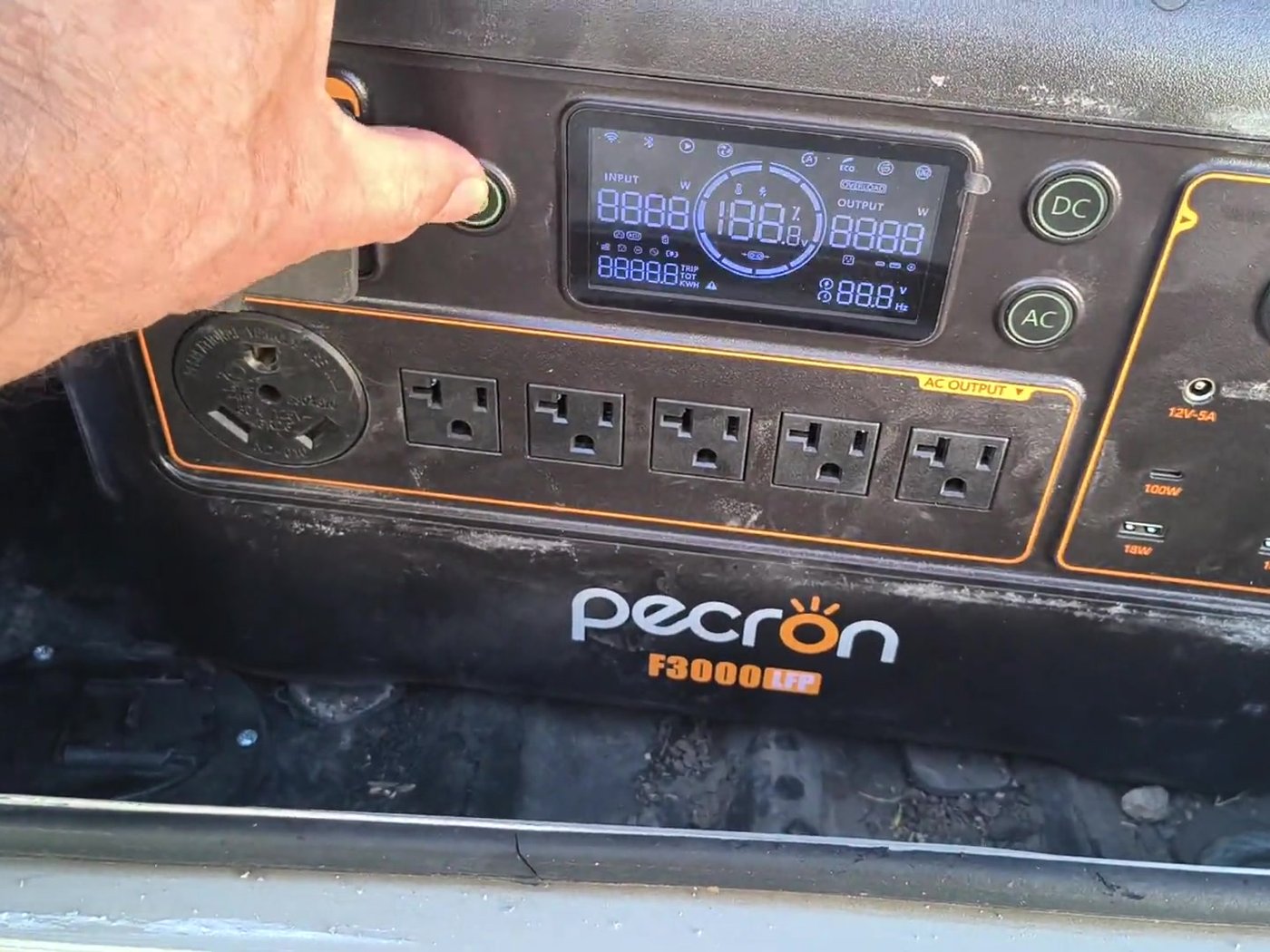
The lesson that carries over no matter which dish you run: a power surge, like your RV air conditioner compressor kicking on, can make Starlink reboot. I fixed that on my rig by running Starlink off a battery power station instead of straight off the RV's raw power, so the battery smooths the surge before the dish ever notices it.
"Starlink notices. A brief voltage fluctuation shuts it down and restarts it from cold... When the AC surges, the battery sits between the surge and your gear and does not pass it through. Starlink stays up. Calls stay connected." From my own write-up on the fix, link below.
If you want a buffer battery for a Mini-sized setup, you don't need anything as big as what I run for the standard dish, even a small power station comfortably covers a Mini and a laptop for several hours. The full fix is in Your AC Will Kill Your Starlink, the backup plan I run alongside it in Starlink Backup for RV, and the battery sizing math, watt-hours for a Mini versus a bigger dish, in Starlink Power Consumption: Watts Per Hour. The UPS question specifically is covered in Does Starlink Need a UPS or Battery Backup?, and running video calls off a setup like this while boondocking has its own quirks, covered in How to Take Video Calls While Boondocking.
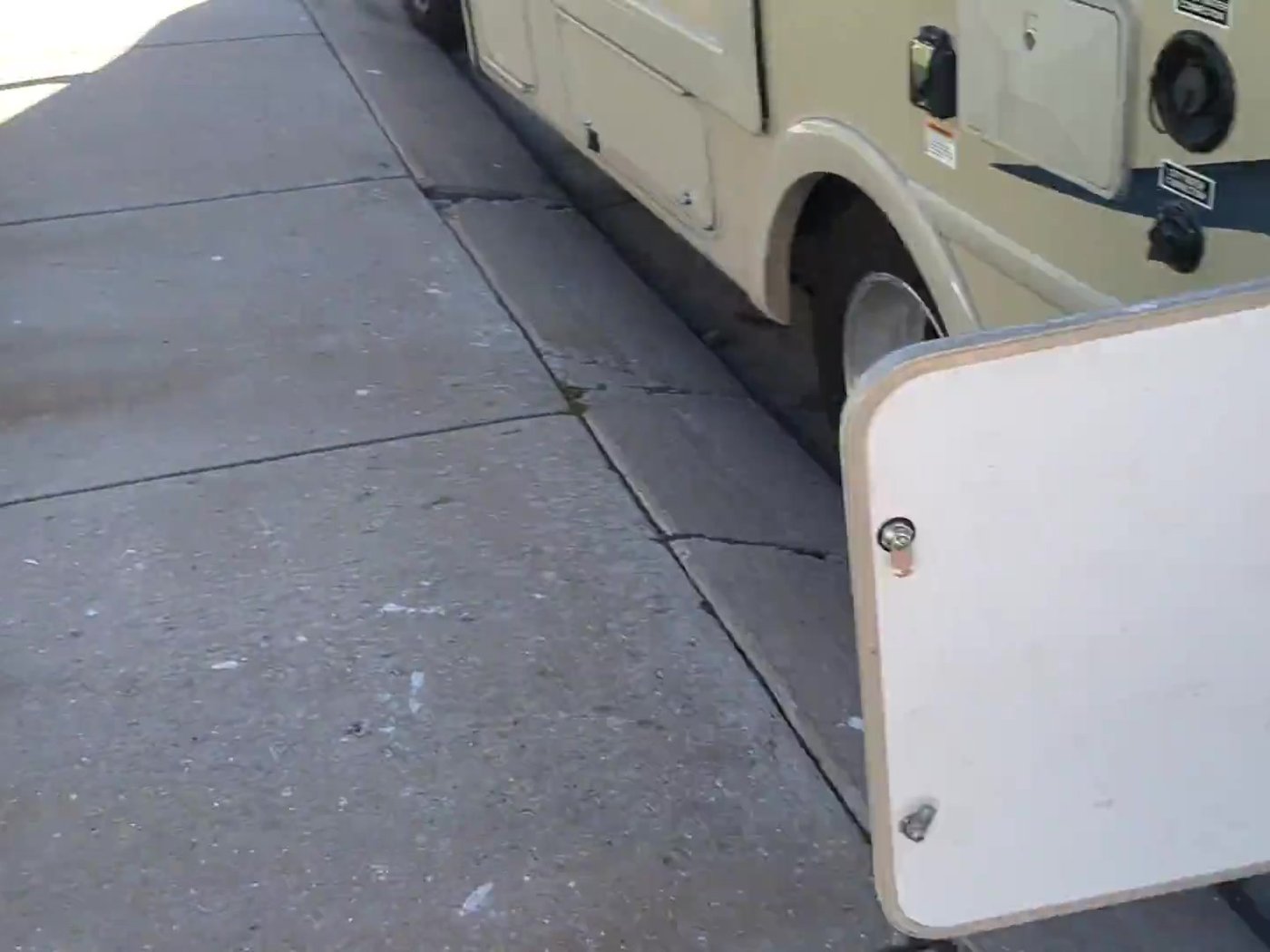
Here's that same power station on camera, running Starlink off the AC outlet in the bay, the setup the surge lesson above actually came from:
Video: Pecron F3000 running Starlink on our Compass AWD, my own phone video, standard dish setup, not a Mini.
Shop: EcoFlow power stations, referral discount →
Roam vs Residential, the part people get backwards
Roam is Starlink's plan for people who move: RVs, boats, anyone without one fixed address. It runs 100GB ($55/month), 300GB ($80/month), or Unlimited ($175/month), and you can pause it with Standby Mode instead of paying full price while the rig sits in storage. Residential is the plan for a house that stays put. The free-Mini program uses your Residential account as the anchor and Roam as what you run in the RV. No Residential account, no free Mini, you're buying one, which at $149 is still a fine outcome.
Quick answers
How much does the Starlink Mini cost in 2026? $149 direct from Starlink. Third-party retailers may still show the older $199 to $249 price.
Can I really get a free Starlink Mini? Only with an active Residential plan at a home address. Starlink sends the Mini at no hardware cost and discounts your Roam plan 20 to 50 percent. You have 30 days to return it if you cancel the home plan.
How much power does the Starlink Mini use? An average of 25 to 40 watts per Starlink's own spec sheet, roughly a third of what the standard dish pulls.
Mini or standard dish for an RV? The Mini is lighter, draws less power, and is built for setups that move around. The standard dish I run pulls faster peak speeds in testing but costs more, weighs more, and draws more power, which matters more running off batteries.
Still figuring plenty out myself, the Mini isn't my setup, but the math above is the honest version either way. More notes on the gear go out on my Substack.